Amber SSH
A downloadable tool for Windows
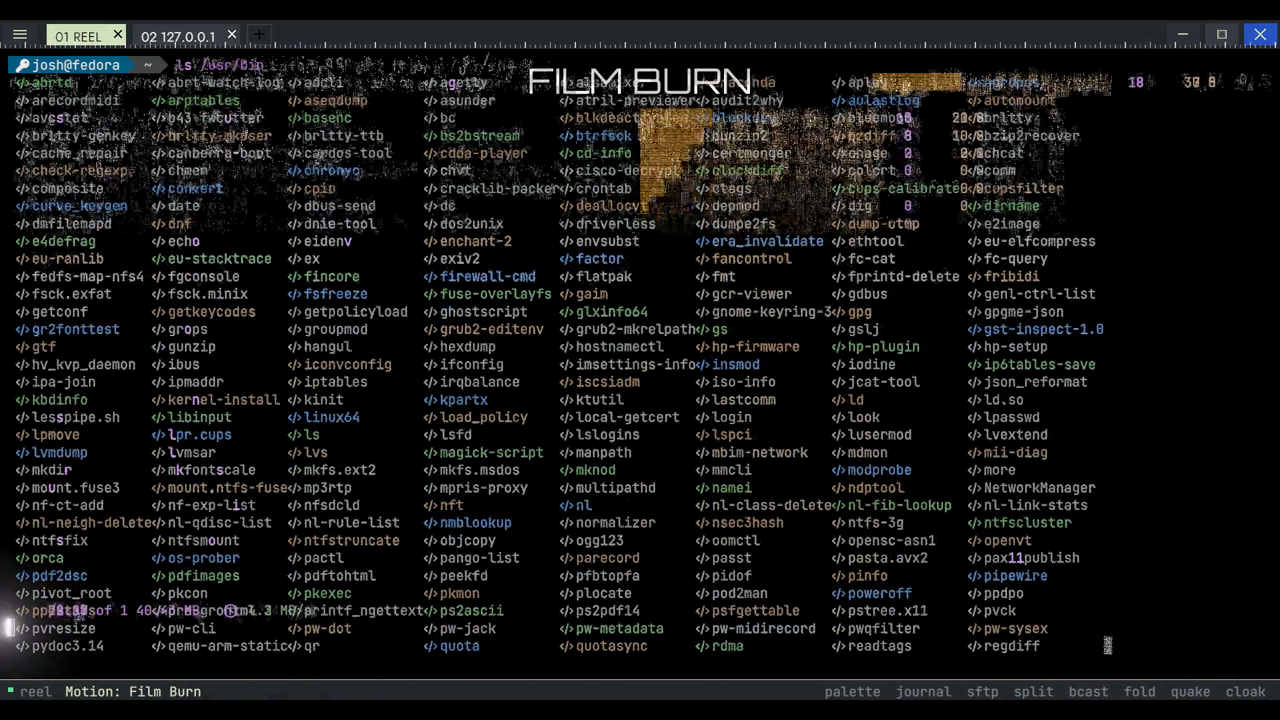
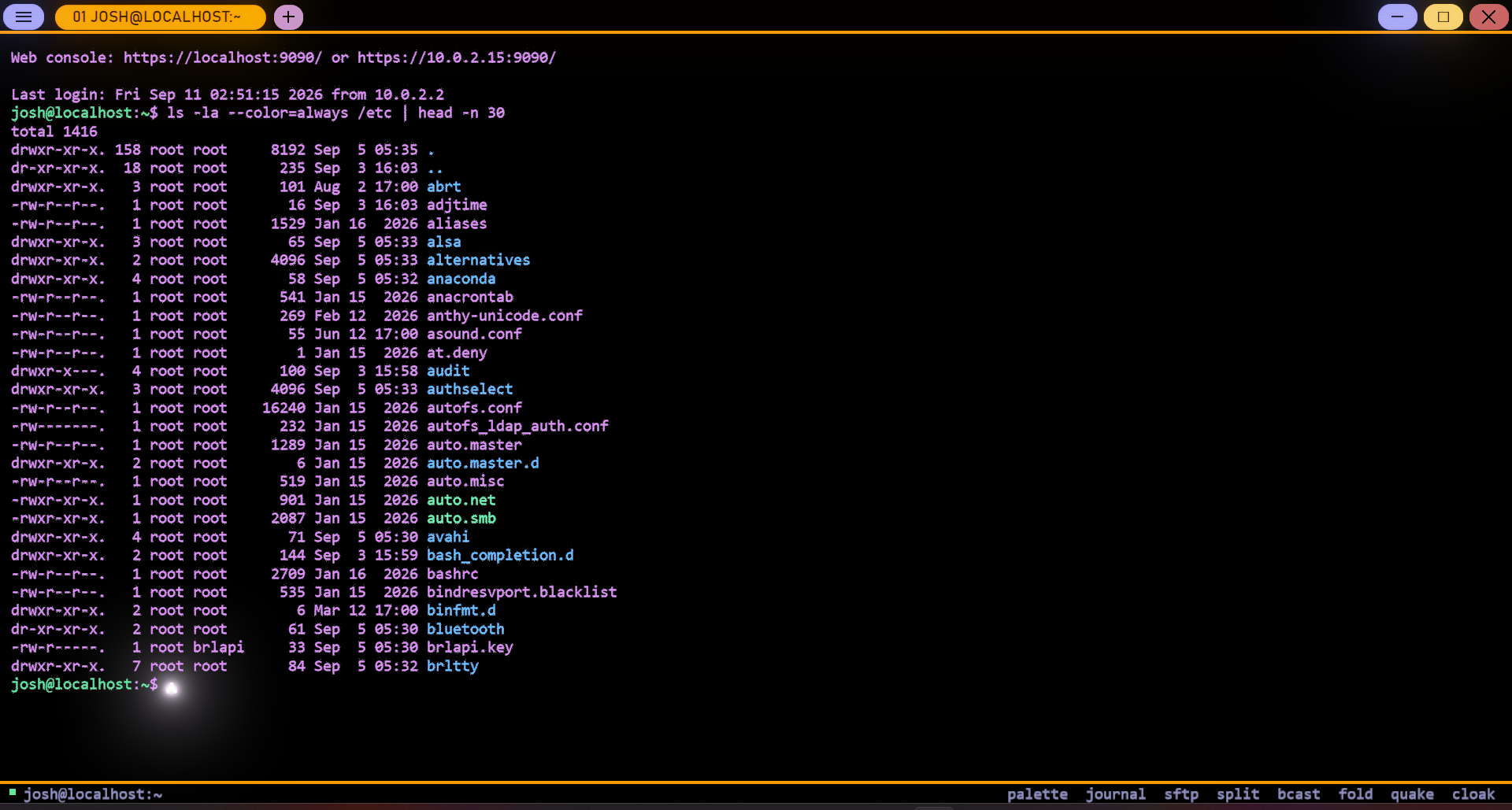
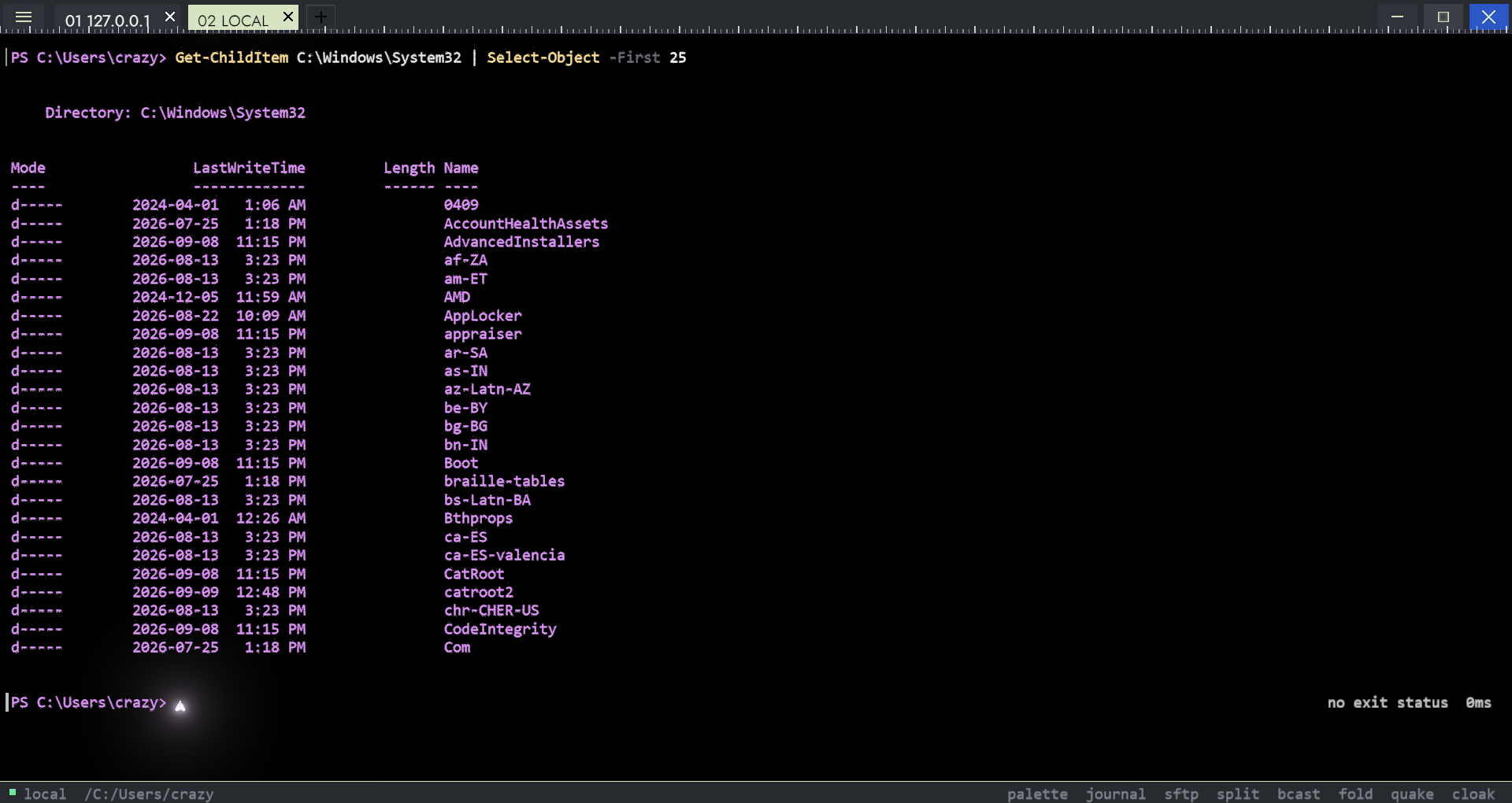
A native Windows 11 terminal where every character in the viewport is drawn as a constellation of glowing GPU particles — amber phosphor, nixie glow, black glass — with a familiar PuTTY-style connection workflow.
Built in C++20 on native Win32 and DirectX 12. No Electron, no browser engine, no Qt, no third-party terminal widget, no CPU-rendered viewport — a 2.5 MB executable.
✨ What it does
🔌 Six protocols: SSH, Telnet, Rlogin, Raw, Serial, and a local shell (PowerShell / cmd / WSL).
🖥️ A live remote desktop over VNC, rendered by the same particle engine as the terminal — not screenshotted. Window edges glow, clicks send a shockwave through the field, and a repaint rematerialises instead of just appearing.
🔐 Real SSH over libssh2 — password, public-key, and keyboard-interactive authentication, with host-key verification and an explicit accept step for anything unknown or changed.
🎬 23 motion styles for how a changed cell gets from its old state to its new one, 15 interface skins, and 4 appearances (Dark, Light, a warm Paperwhite e-ink look, and a 16-colour Pixel Art mode).
🔍 The particles are presentation, not truth — the grid underneath holds actual characters, so selection, copy and scrollback are exact.
🔑 Secrets never touch disk. Remembered passwords and passphrases live in the Windows Credential Manager.
🛡️ Security
This build has been through a security-focused audit — path traversal in the SFTP browser, an ungated remote-clipboard write, a paste-escape injection, and more, all fixed and covered by tests. The full audit is in the source repository and isn't summarized away: what was found, what changed, and what's still unverified.
⚠️ Known limitations, stated plainly
• AmberX (X11 remote-app forwarding) is in the source tree and not part of this build — no real X11 application has ever been run against it.
• OSC 8 hyperlinks highlight on hover but aren't clickable yet.
• No screen-reader support — the terminal grid is particles with no text layer.
• Tested against one real SSH/VNC server family during development, not a wide matrix of implementations.
🔏 Signing
The included binaries are signed with a self-signed development certificate. Windows SmartScreen will warn on first run and the publisher will show as unknown — that's expected until this ships with a CA-issued certificate. Verify the download against the SHA-256 in the included manifest before running it.
Download
Install instructions
Extract the ZIP anywhere and run AmberSSH.exe. No installer, nothing written outside %LOCALAPPDATA%\AmberSSH.
Development log
Leave a comment
Log in with itch.io to leave a comment.